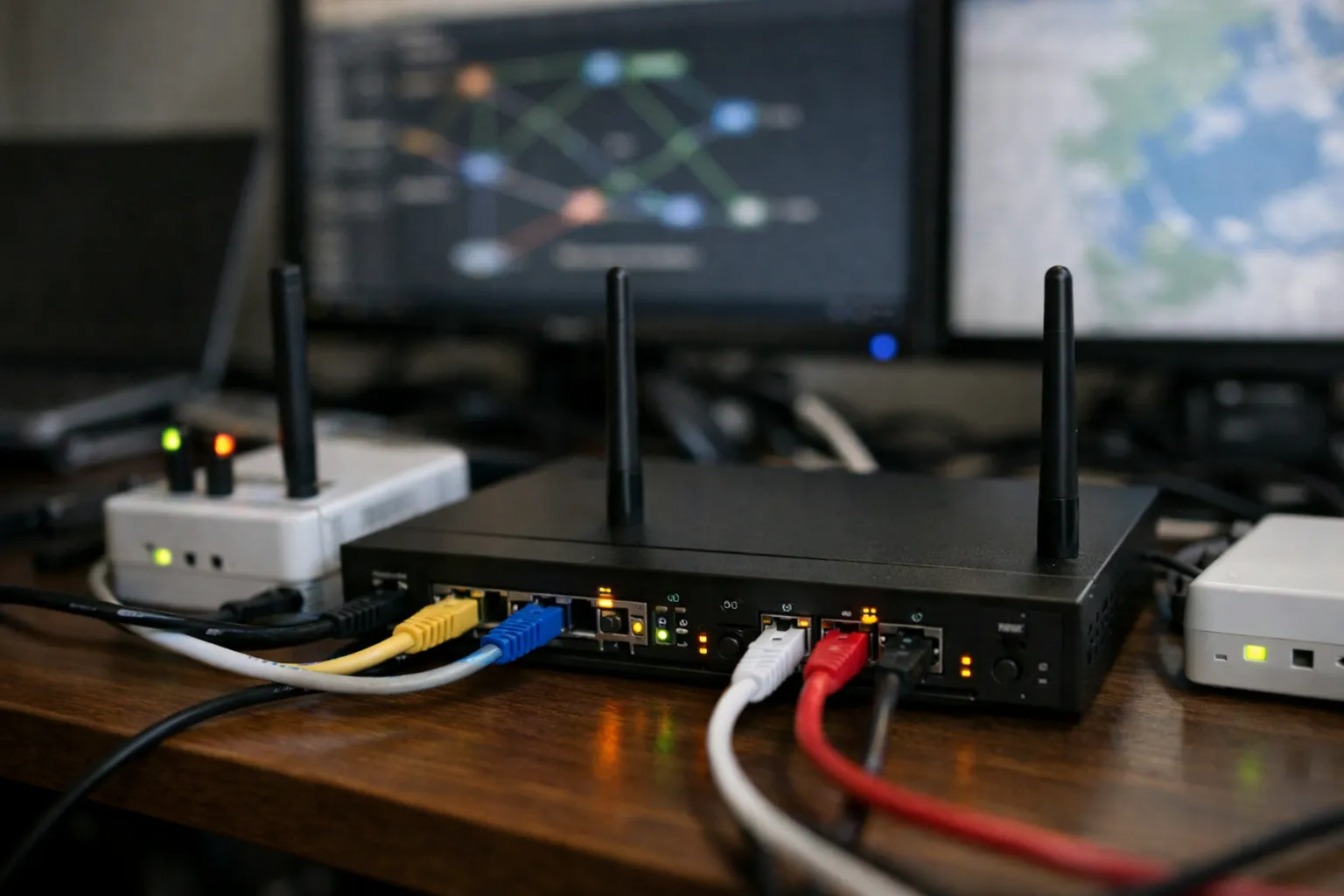
This guide walks VPN enthusiasts through building a resilient, low-leak multi‑provider VPN gateway on OpenWrt (router or single-board computer). You’ll configure WireGuard/OpenVPN clients for multiple providers, implement automatic failover and latency-aware selection, and create per-device policies so phones, TVs, and laptops can use different providers (or bypass the VPN). Steps are focused on reproducible commands and OpenWrt packages commonly available in 2026.
Why build a multi‑provider VPN gateway?
Consumer VPN providers can have outages, region-specific routing changes, or sudden speed drops. Running multiple provider endpoints on your gateway gives you:
- Automatic failover when a provider is down.
- Performance-aware selection (choose the lowest-latency provider).
- Per-device policies: route streaming boxes through provider A, work machines through provider B, and let smart home devices use the direct WAN.
- Centralized DNS and leak protection to avoid split-DNS or DHCP misconfigurations.
What you’ll need
- An OpenWrt-capable router or a small SBC (Raspberry Pi 4/5, Rock 5) running OpenWrt or Debian with OpenWrt-like tooling.
- Two or more VPN provider accounts that support WireGuard or OpenVPN. (WireGuard is recommended for simplicity and performance.)
- Basic familiarity with SSH and editing config files.
- OpenWrt packages: luci-app-wireguard, wireguard-tools, openvpn-openssl (if using OpenVPN), mwan3, luci-app-mwan3, luci-app-sqm, dnsmasq (default), dnscrypt-proxy or cloudflared (recommended).
Overview of the topology
Logical layout:
- LAN (192.168.1.0/24) —> OpenWrt gateway
- Gateway has multiple VPN client interfaces: wg0 (Provider A), wg1 (Provider B), tun0 (OpenVPN fallback)
- Gateway uses mwan3 or custom scripts to monitor provider health and set routing tables per-policy
- DNS resolver runs locally (dnscrypt-proxy or cloudflared) and is pinned to LAN; DNS queries from non‑VPN devices can bypass or be forced through VPN based on policy.
Step 1 — Install OpenWrt packages
SSH into your router and install required packages:
- opkg update
- opkg install luci-app-wireguard wireguard-tools luci-app-openvpn openvpn-openssl mwan3 luci-app-mwan3 luci-app-sqm dnsmasq dnscrypt-proxy
- Enable and start dnscrypt-proxy or cloudflared per package instructions.
Note: package names may vary by OpenWrt release. On some devices you’ll prefer luci‑app‑wireguard and the WireGuard kernel module.
Step 2 — Add VPN client configs (WireGuard preferred)
Create two WireGuard interfaces (wg0, wg1). Use provider-supplied keys/configs. Example minimal wg0 config in /etc/wireguard/wg0.conf (placeholders):
- [Interface]
- PrivateKey =
- Address = 10.66.0.2/32
- DNS = 127.0.0.1
- [Peer]
- PublicKey = <provider_pubkey>
- Endpoint = us1.provider.example:51820
- AllowedIPs = 0.0.0.0/0, ::/0
- PersistentKeepalive = 25
Repeat for wg1 with a different provider. On OpenWrt, add the interface via Luci (Network → Interfaces) or place configs under /etc/config/network and /etc/wireguard.
Step 3 — Create routing tables and policy marks
We’ll create separate routing tables so marked traffic goes out via a specific VPN interface. Add to /etc/iproute2/rt_tables (append):
- 200 vpnA
- 201 vpnB
After bringing up wg0/wg1, create table routes (example using ip route):
- ip route add default dev wg0 table vpnA
- ip route add default dev wg1 table vpnB
Persist these by adding appropriate start scripts in /etc/hotplug.d or init scripts that run after interfaces are up. On OpenWrt, you can add 'option metric' and custom 'ip rule' via /etc/config/network startup commands.
Step 4 — Mark traffic by device (per-device policies)
Method A — DHCP lease-based fwmarks (recommended): use ipset or iptables to match device IP/MAC. Example flow:
- Create ipset lists for each policy: ipset create vpnA hash:ip, ipset create bypass hash:ip
- Add devices to sets (on DHCP lease hook or static lease): ipset add vpnA 192.168.1.42
- Use iptables/nft to mark packets: iptables -t mangle -A PREROUTING -m set --match-set vpnA src -j MARK --set-mark 0x100
- Create ip rule to route marked packets: ip rule add fwmark 0x100 table vpnA
OpenWrt UCI example (in /etc/rc.local) to restore ipset membership on boot using the router’s known static leases.
Step 5 — Automatic failover & performance selection
Option 1 — Use mwan3 (simpler): configure interface members for wg0 and wg1 as WANs in mwan3, set weight and latency thresholds, and create policies (e.g., prefer vpnA but failover to vpnB on loss). In Luci: Network → Load Balancing (mwan3).
Option 2 — Custom latency-aware selector (more control): run a small script that pings provider endpoints every 5–15 seconds and switches routing by adjusting ip rules based on an RTT threshold. Key elements:
- Use ping or tcping to measure latency towards provider endpoints (use the provider’s WG endpoint IP or a stable IP behind it).
- On persistent high RTT or packet loss, update ip rule priorities to prefer the other vpn table or reassign fwmarks.
- Keep a cooldown window so transient blips don’t trigger flapping.
Example pseudo-logic:
- rttA=$(ping -c3 -W1 providerA-endpoint)
- rttB=$(ping -c3 -W1 providerB-endpoint)
- if rttA < rttB and rttA < 120ms then prefer vpnA else prefer vpnB
- apply by changing default ip rule priority or by flipping a symlinked config that iptables uses for marking.
Step 6 — DNS hardening & leak prevention
Run a local DNS resolver (dnscrypt-proxy or cloudflared) bound to 127.0.0.1 and configure dnsmasq (OpenWrt default) to use it. Then:
- Set /etc/config/dhcp → option noresolv '1' and list the local resolver as the only server.
- Prevent DNS leaks by forcing DNS traffic from LAN to the local resolver: firewall rules to DROP outbound UDP/TCP 53 from LAN except to 127.0.0.1.
- For devices routed through wg0/wg1 ensure that the resolver forwards queries over the VPN (set DNS = 127.0.0.1 in WireGuard config or use provider-specific DNS in the resolver’s upstream settings when that provider is used).
Step 7 — Quality-of-Service and bandwidth considerations
Enable SQM (luci-app-sqm) to avoid bufferbloat when traffic shifts between WAN and VPN tunnels. Configure an overall IFACE depending on where bottlenecks appear (typically your ISP uplink). SQM helps maintain low latency for your selection script and prevents full-queue delays during failover.
Operational tips and hardening
- PersistentKeepalive: set in WireGuard peer configs (e.g., 25s) to avoid NAT timeouts.
- Logging: log failover events to a local file via logger so you can audit provider reliability.
- Security: limit router SSH to LAN and use key auth; keep OpenWrt updated.
- Testing: use ipleak.net and DNS leak test tools from each device policy to confirm traffic routes as expected.
- Provider limits: some VPN providers detect and block multiple concurrent endpoints from the same account — check provider policies and consider dedicated router-friendly accounts or separate accounts per gateway if needed.
Troubleshooting common issues
Problem: Devices bypass VPN when policy should apply.
- Check ipset membership and that iptables mangle rules are intact.
- Verify ip rule show and ip route list table vpnA/vpnB.
Problem: DNS queries leak to upstream ISP DNS.
- Ensure firewall blocks outbound 53 from LAN; confirm dnsmasq is the only resolver in DHCP options.
Problem: Flapping failover.
- Increase cooldown windows in mwan3 or your custom script; use multi-probe confirmation (2–3 failed checks) before switching.
Real‑world examples
Example policies many readers will find useful:
- Phones & laptops: vpnA (low-latency provider)
- Work laptop (zero-trust corp): bypass (direct WAN or split-tunnel)
- Streaming devices: vpnB (location-specific provider endpoint)
- IoT devices: bypass (to ease local discovery)
This mapping is implemented by static DHCP leases + ipset lists for each policy, updated automatically by your DHCP lease hook script.
Wrap-up and next steps
With this setup you get a resilient, performance-aware multi‑provider VPN gateway that centralizes privacy controls for your home network. Next steps you may consider:
- Add per-application tunneling using SOCKS proxies running on dedicated VLANs.
- Integrate certificate-based authentication for OpenVPN profiles where supported.
- Use a small monitoring dashboard (Prometheus + Grafana on a LAN host) to graph provider latency and failover history.
Carefully test each element (routing, DNS, failover) after deployment and maintain minimal privileged access to the gateway. This approach blends practical redundancy with per-device control and is suitable for privacy-minded users who want consistent routing behavior without complex cloud appliances.